Facebook Says "You're Moving Too Fast" - Here's What It Means
If you've tried to search for your account on Facebook and been stopped by a message saying "you're moving too fast," you're not alone. It's one of those frustrating errors that offers no real explanation, and most people have no idea what's actually causing it.
Here's what's actually going on and what you can do about it.
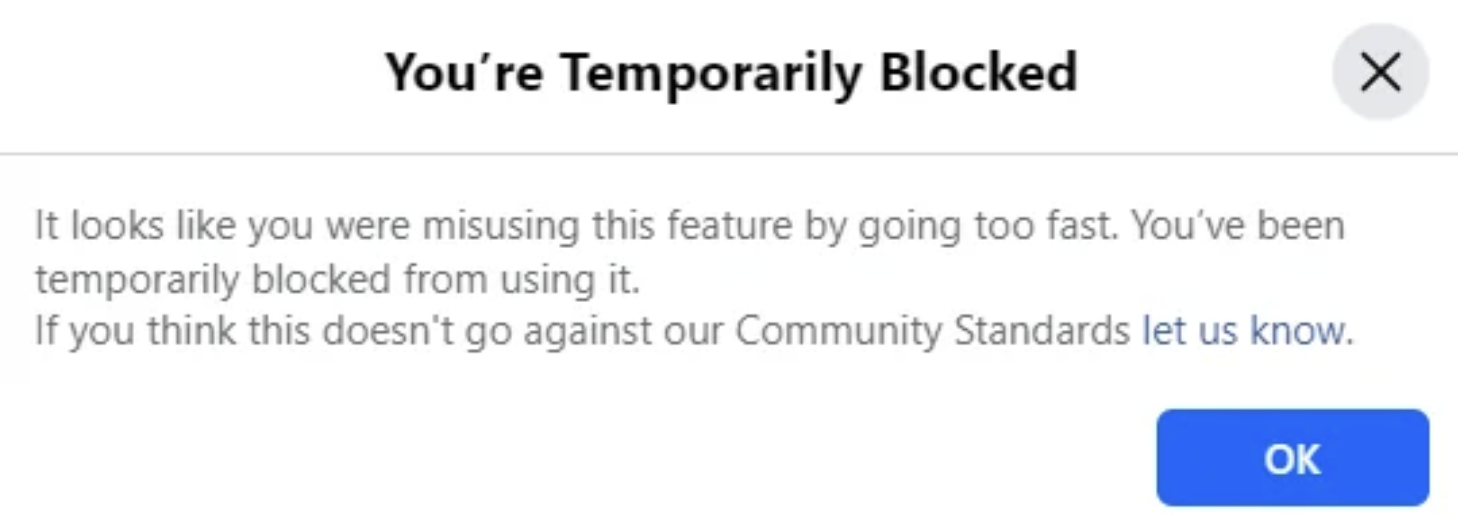
What Does "You're Moving Too Fast" Mean on Facebook?
Facebook's automated systems flag accounts when they detect unusual activity. The "moving too fast" message is essentially a temporary block, Facebook is telling you to slow down, though it does not explain why. And frustratingly, usually does not make sense.
The Three Most Common Causes
1. A Temporary Timelock
If you've been hacked, or someone has attempted to hack you by sending repeated password reset codes, Facebook may flag your account for suspicious behavior . This may place a temporary restriction on certain functions. Search is often one of the first things to stop working.
The fix here is straightforward: stop using Facebook for 24 to 48 hours and try again. The timelock usually lifts on its own once the system decides you're not a bot or a bad actor.
2. Your Account Has Been Disabled
This is the most common reason people encounter the "moving too fast" error, and it's also the most serious. When Facebook disables an account, it doesn't always greet you with a clear "your account is disabled" message. Instead, things just start breaking: posts won't load, messages won't send, and searches return errors like this one.
If you're seeing this error alongside other strange behavior (inability to post, missing content, friends not appearing), there's a good chance your account has been disabled rather than just slowed down. In that case waiting it out won't help, you'll need to go through Facebook's account recovery or appeals process. And side note, that sadly does not often work either. If your Facebook account is hacked and disabled, set up an intro call with us today.
3. An Unknown Glitch
Sometimes Facebook just breaks. Their systems are complex and errors like this occasionally appear with no meaningful cause. If you've ruled out the above two scenarios and the error disappears after a refresh or a few minutes, it was probably just a platform hiccup.
How to Tell Which One You're Dealing With
The quickest way to diagnose is to log out and try to log back in. If Facebook presents you with a disabled account notice or an identity verification requirement, you're dealing with scenario two. If you log in normally but search still doesn't work, you're likely in timelock territory. If everything else works fine, it was probably a glitch.
When You Need Help
If your account has been disabled and you're unable to get it back through Facebook's standard appeals process, that's where professional recovery support can make a difference. I offer a free case assessment to help you understand your options and what the path forward looks like.